
By Wearablewhiz / Published September 24, 2026 · Updated September 24, 2026
I installed the iOS 27.2 public beta the day it dropped, mostly to see the new Health app before everyone else does. If you’re running the regular, non-beta version of iOS 27 right now, your Health app still looks exactly like it did last year. That’s about to change. But there’s a real gap between what Apple announced on September 9 and what actually runs on your specific phone and watch today, and that gap is what this post is actually about.
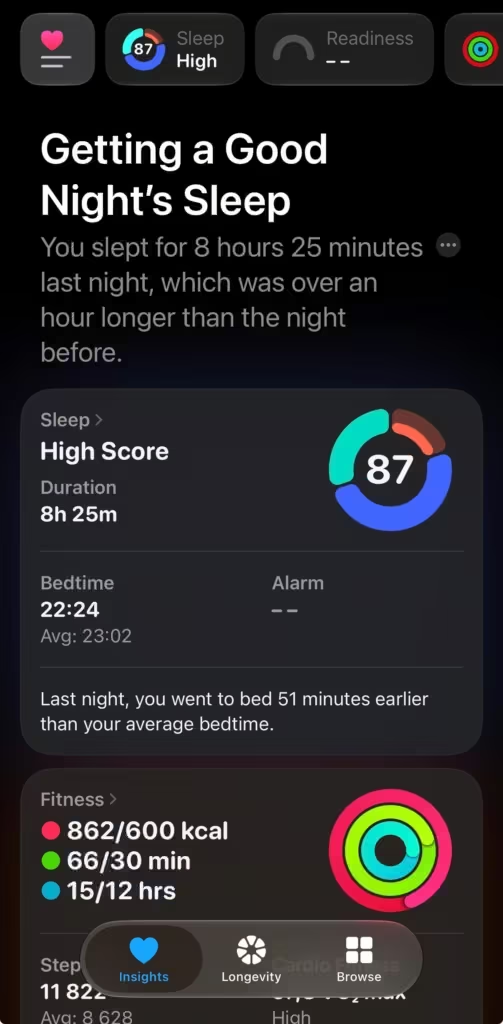
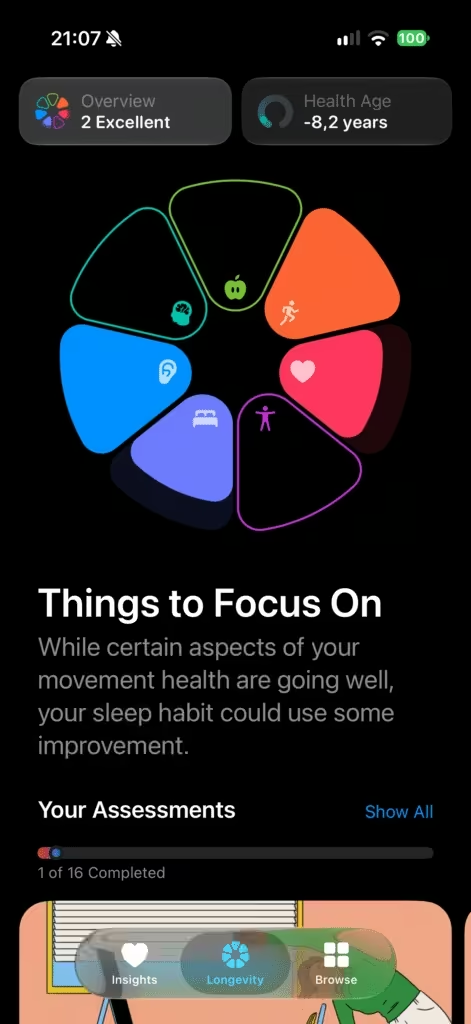
The app stops just showing you numbers
Health has always been a vault. HRV sits in one screen, your sleep score in another, training load lives over in the Activity app entirely. You were the one doing the interpreting, at 6am, half awake, trying to decide if last night’s numbers meant anything.
Apple Intelligence is what changes that job. The redesigned Health app reads across your data and writes you a sentence instead of a chart: “cardio fitness trending up,” “a good night’s sleep,” “your exercise ring looks good.” Then it tries to tell you what to actually do with that.
Same sensors. Same underlying numbers your watch was already collecting. A new layer on top that explains them.
What’s actually new
The Insights tab
This is your daily summary screen. It pulls together heart, sleep, readiness, fitness, vitals, and cycle tracking data into one updating view, plus a “For You” section that surfaces recommendations based on your own patterns, like flagging a stretch of late nights and suggesting you fix your wind-down routine.
The Longevity tab and Health Age
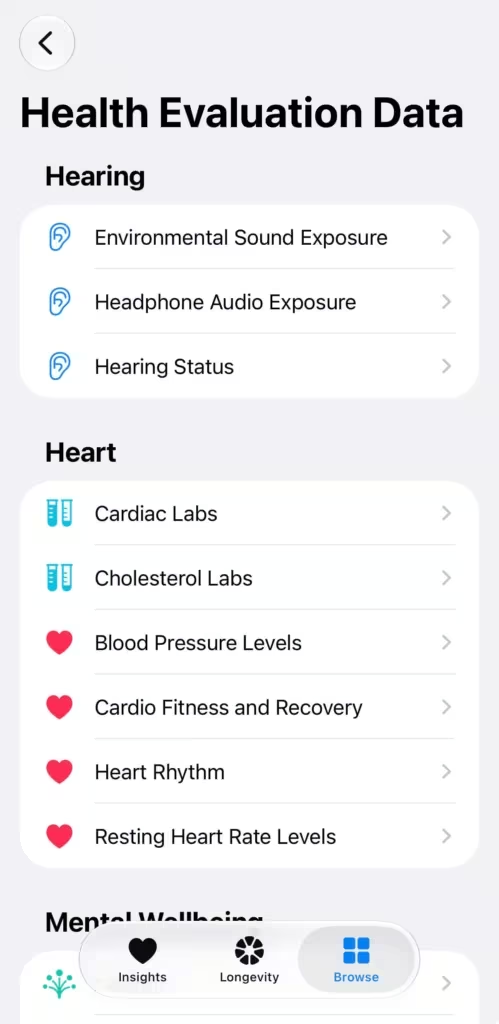
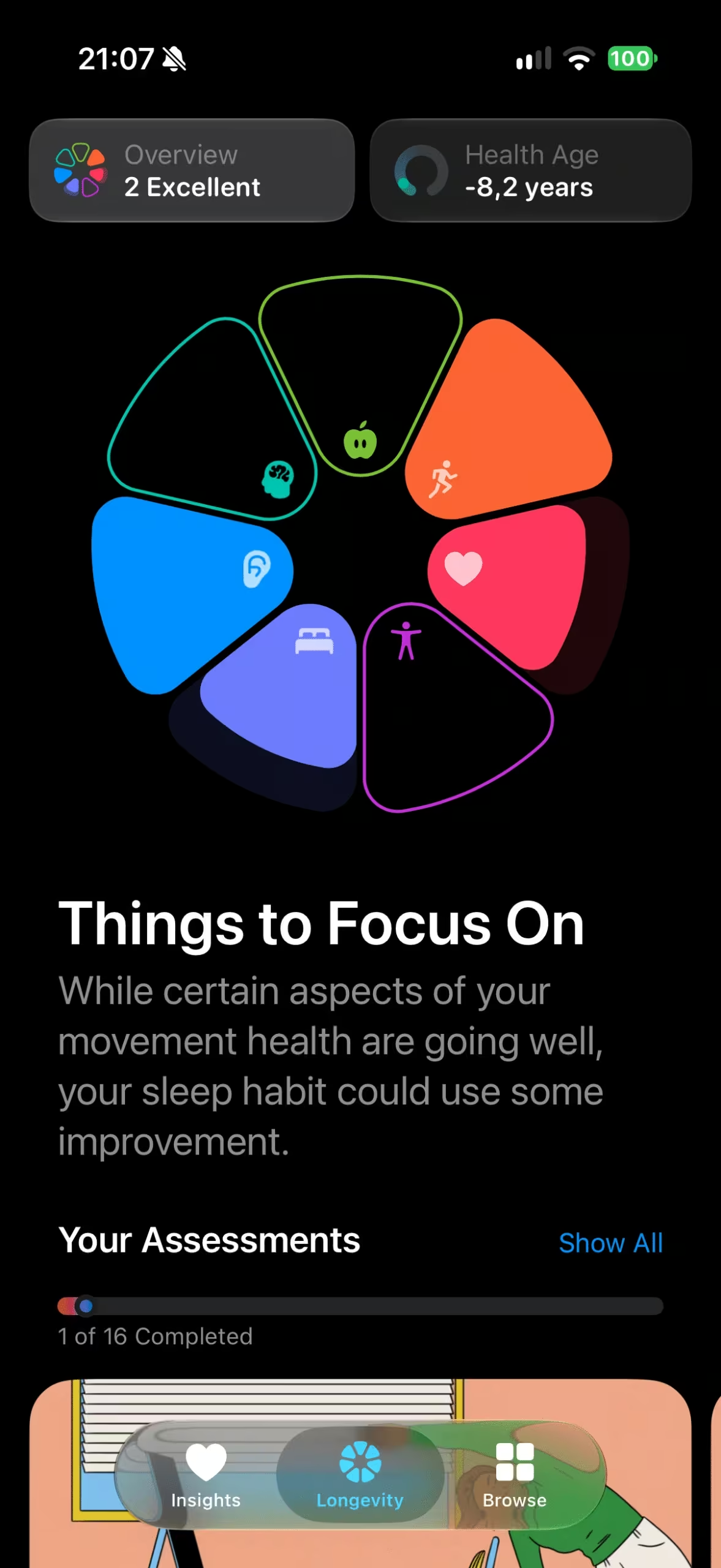
Longevity is the long-view counterpart to Insights. It scores your data across 7 categories: heart health, sleep, mental wellbeing, movement health, metabolic health, hearing, and nutrition, each measured against current clinical guidance.
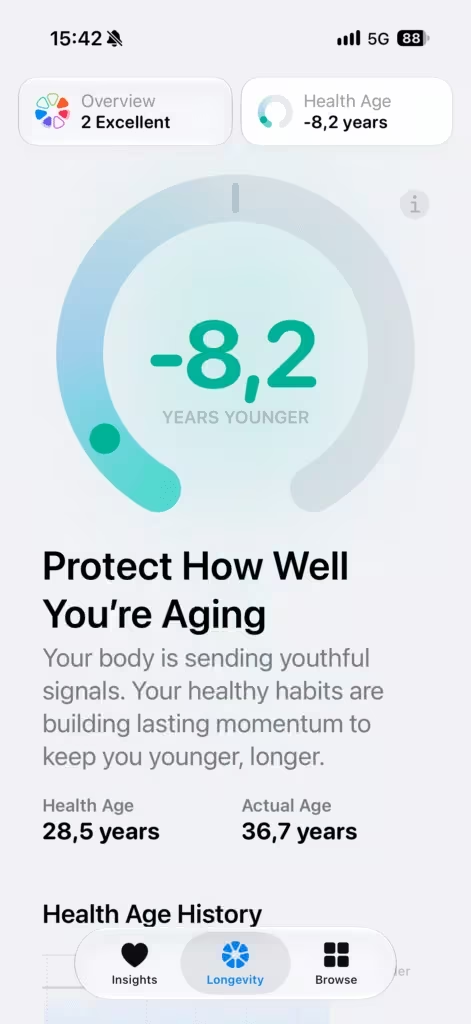
Inside that tab sits Health Age, a single number showing how your metrics track against your actual age. It factors in VO2 max, resting heart rate, sleep, and HRV from your Watch, and you can optionally add lab values like A1c and LDL cholesterol to sharpen it.
Movement evaluations
You can now run flexibility, strength, balance, and movement mechanics assessments at home, using your iPhone camera for the vision-based scoring. No video gets recorded, stored, or shared; the analysis runs entirely on your device. VO2 max gets estimated in the same flow, but that part specifically needs a heart rate source: Apple Watch, AirPods Pro 3, or a compatible third-party sensor.
Labs
Health already lets you import lab results from outside providers. Now you’ll be able to order new tests too: over 50 biomarkers for $119, drawn at roughly 2,000 Quest Diagnostics locations, U.S. only for now.
Cycle tracking adds perimenopause and menopause
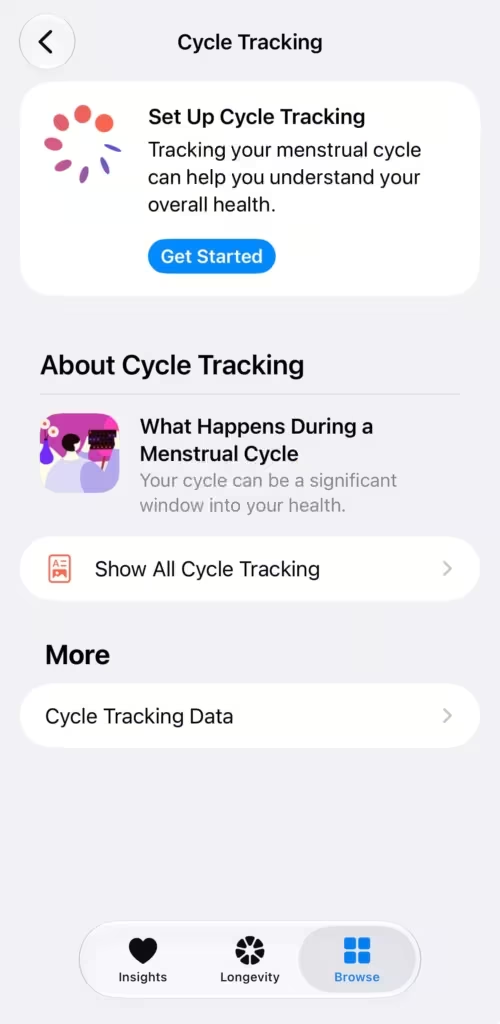
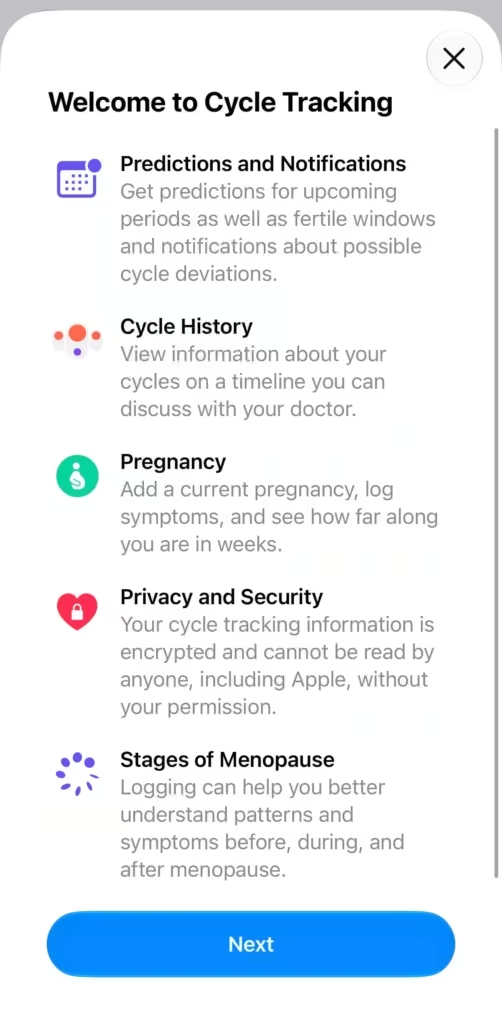
Cycle Tracking now supports logging perimenopause or menopause status directly, with symptom tracking for hot flashes, night sweats, mood changes, and more. If you’re 40 or older, Apple will flag it for you: a notification if your logged cycle pattern shifts in a way that suggests perimenopause, so you’ve got something concrete to bring to your next doctor’s visit.
The native readiness score
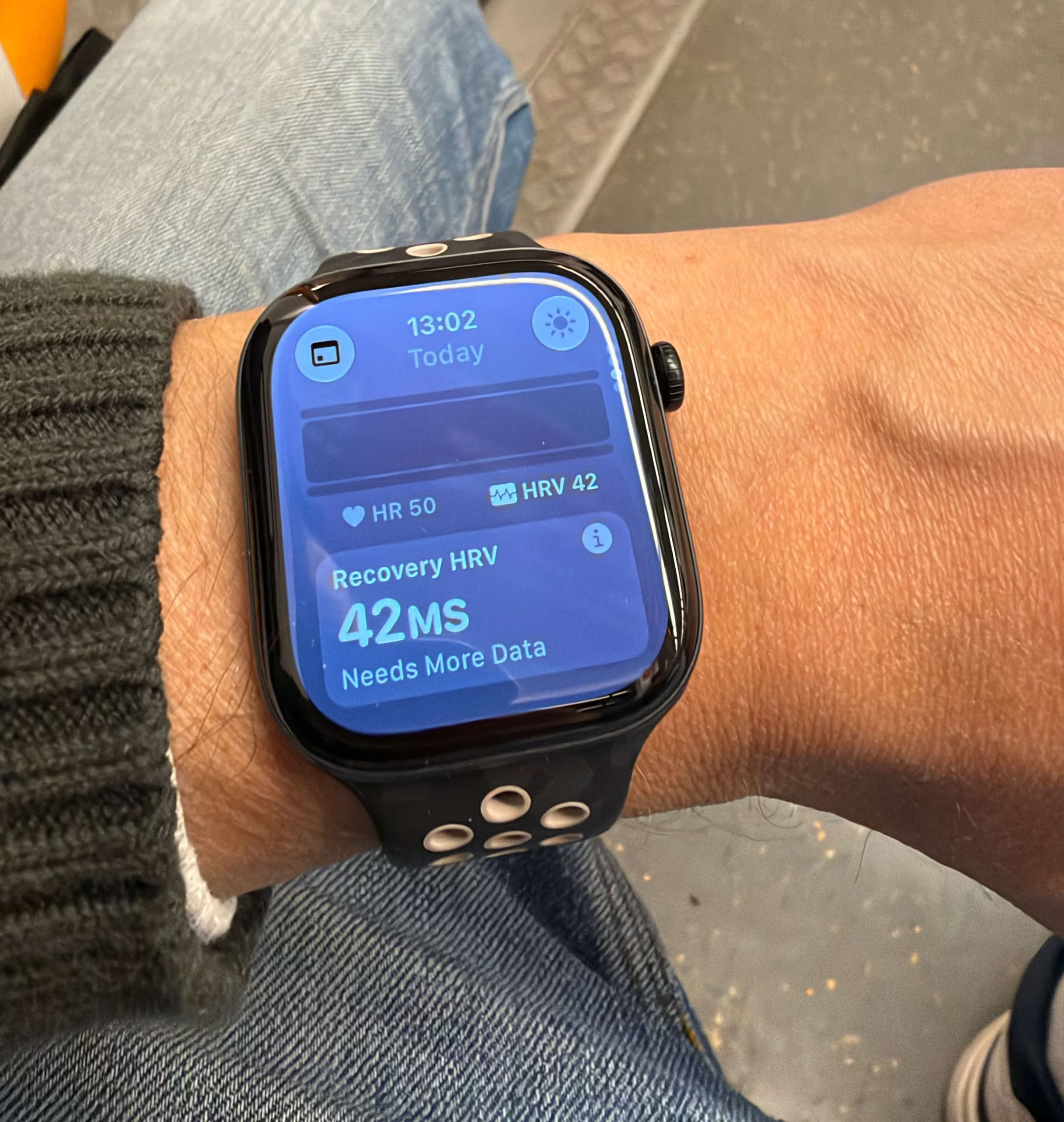
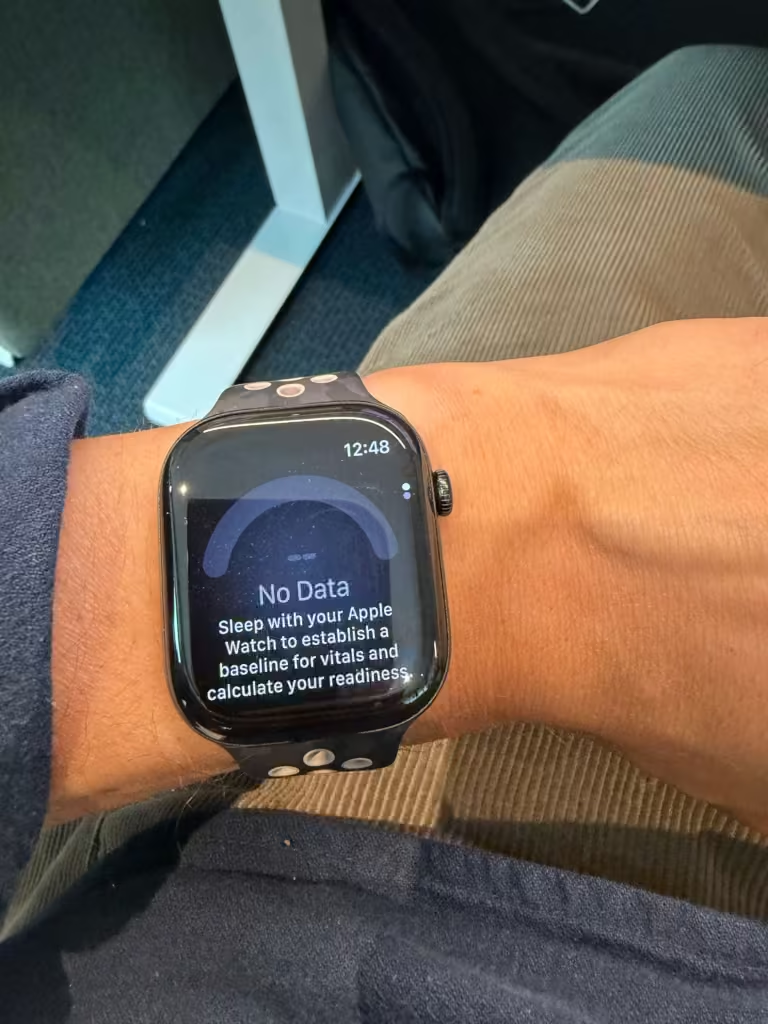
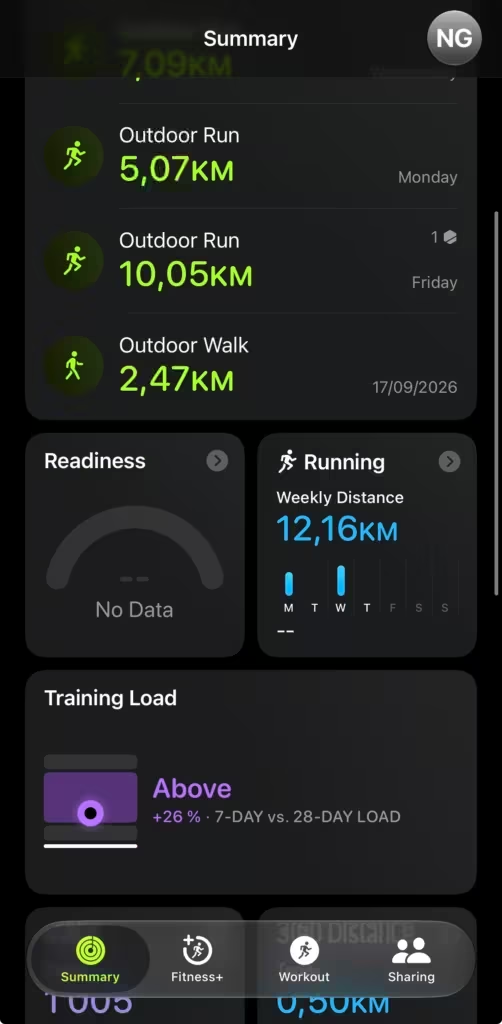
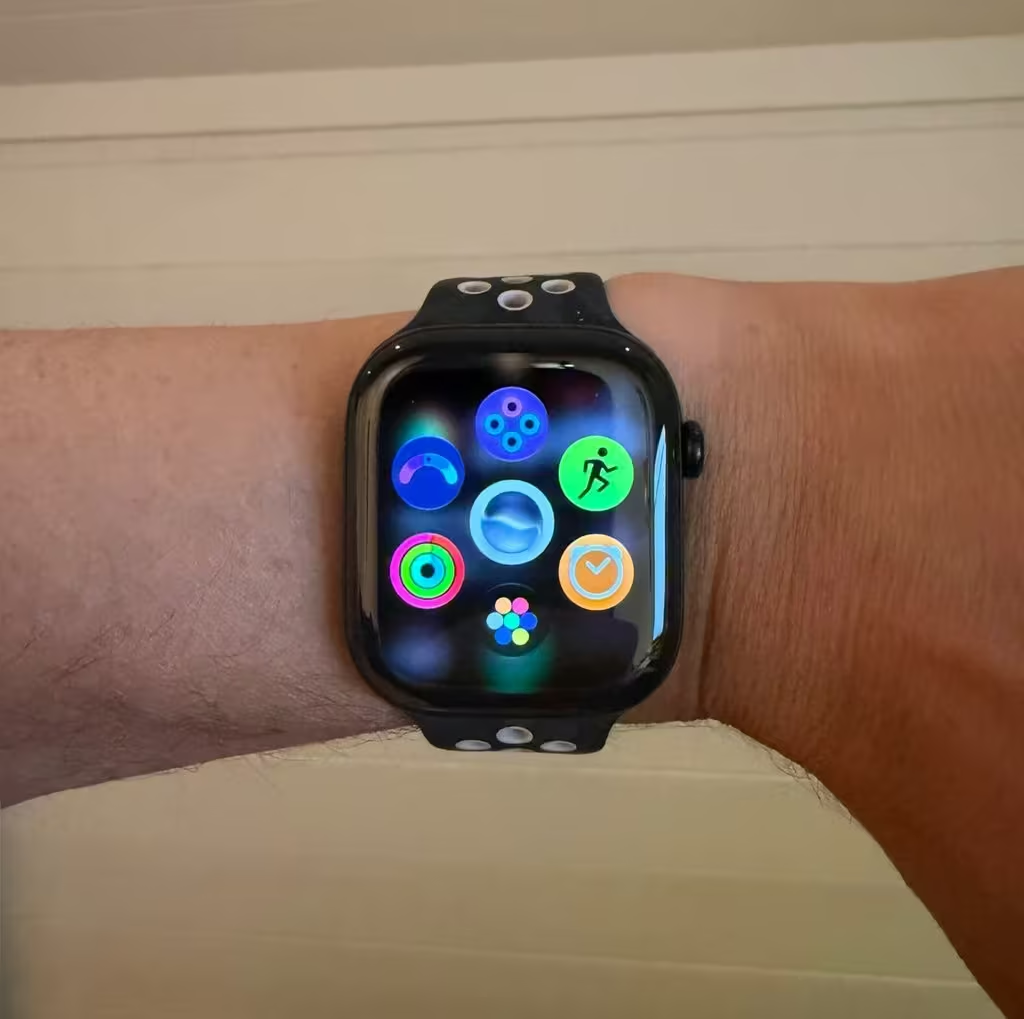
This is the one people keep half-explaining. Readiness is a real, native 0 to 10 score now, built from your recent activity, vitals, and sleep, landing on 1 of 4 calls: recover, pace yourself, ready, or go for it. It shows up both in the watch’s own Readiness app and inside the new Insights tab on iPhone. You can also add it to your summmary section in the fitness app.
Here’s the catch: it only runs on Apple Watch Series 12 and Ultra 4. It needs the new Health Sensing System hardware, the one sampling heart rate every 5 seconds instead of the older periodic checks, and that’s a hardware requirement Apple can’t unlock with a software update. Series 9, 10, and 11 don’t get it, no matter how current your software is.
What you need for each piece
| Feature | What it needs | Live today? |
|---|---|---|
| Insights tab | Apple Intelligence-enabled iPhone (15 Pro or later) on iOS 27.2+ | Beta only, full rollout later in 2026 |
| Longevity tab | Same iPhone requirement; richer with Apple Watch and AirPods data | Beta only, personalized recommendations arrive later |
| Health Age | Requires an Apple Watch specifically; lab data optional | Beta preview, full version later in 2026 |
| Readiness score | Apple Watch Series 12 or Ultra 4, watchOS 27 | Live now, since September 14 |
| Movement evaluations | iPhone camera, plus Apple Watch, AirPods Pro 3, or third-party HR sensor for VO2 max | Arriving with the full redesign, later in 2026 |
| Labs via Quest | U.S. only, $119 for 50+ biomarkers | Later in 2026, not in the beta yet |
| Perimenopause/menopause tracking | Any iPhone on iOS 27, Cycle Tracking enabled | Live now |
Who should actually care about this
You’ll get real value here if you’re already wearing an Apple Watch and tracking workouts, sleep, or heart rate. The “should I push today” question is exactly what Insights and Readiness are built around.
Cycle tracking matters if you’re already logging your cycle, and the new perimenopause and menopause support closes a gap Apple’s been slow to fill.
And if you like watching long-term trends, Health Age and the Longevity tab give you a place to actually look at them, with optional lab data if you want the number to mean more.
If you barely open Health today, this is a reasonable point to start. Just know the full picture won’t hit your phone until later this year.
The catch: your watch decides how much of this you get
Everyone with a compatible iPhone eventually gets the new interface. Not everyone gets the same numbers inside it.
Readiness needs Series 12 or Ultra 4. Health Age needs an Apple Watch of some kind, and gets meaningfully better with the newer sensors feeding it more frequent HRV and vitals data. If you’re on an older Watch, you’ll still see Insights and Longevity once the redesign ships, they’ll just have thinner inputs than someone running the new Health Sensing System.
Everything in this post assumes you’re wearing an Apple Watch to begin with. If you’re starting from zero, the Series 11 is still a solid, current entry point: HRV and sleep stages today, plus the new Insights and Longevity tabs once they roll out to your phone. It won’t hand you a native readiness score or the fuller Health Age picture though. For that you’re specifically looking at Series 12 or Ultra 4.
What to actually do right now
If you want to see this early, you can join the iOS 27.2 public beta today. I’d run it on a secondary device if you’ve got one; betas are still betas, and Apple’s own release notes say labs, personalized Insights content, and the full recommendation engine aren’t switched on yet even there.
If you’re not going near a beta, there’s nothing to install yet. The redesign ships later in 2026, U.S. English first, and needs an Apple Intelligence-capable iPhone (15 Pro or newer) to run at all.
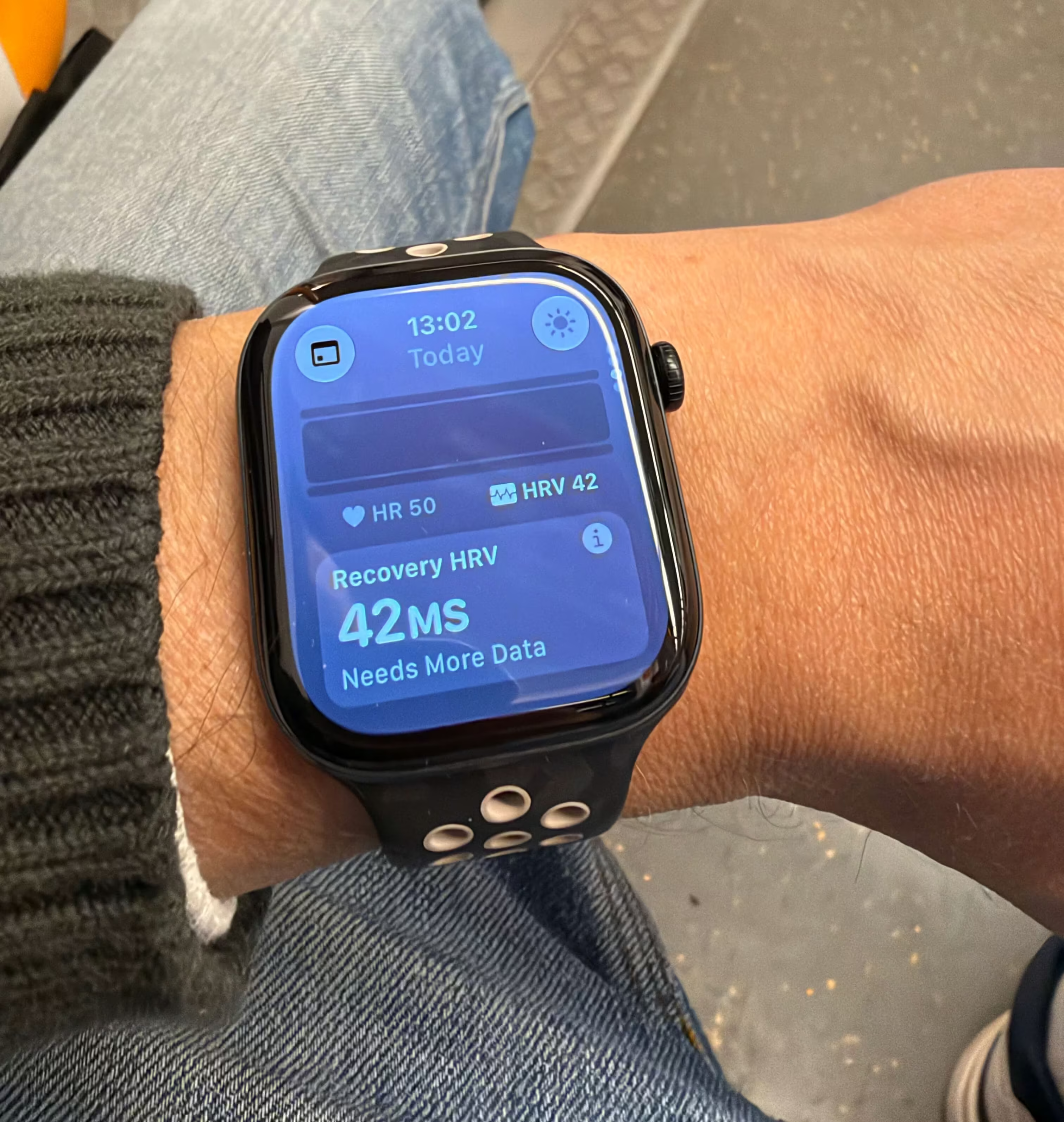
If you already own a Series 12 or Ultra 4, Readiness is live right now on your watch. Open the Readiness app on your wrist, or check the new Insights tab in the Health app on iPhone. Just know it won’t show a score until you’ve logged about seven nights of sleep and HRV data that meet Apple’s minimum thresholds.
One thing to remember
Apple finally built the interpretation layer it was always missing. It just didn’t build it for every watch on people’s wrists yet. This was the main reason why I chose to upgrade from my series 10 to series 12.
Sources:
- Apple advances health and fitness capabilities using Apple Intelligence — Apple Newsroom, September 9, 2026
- Understand your readiness score on Apple Watch — Apple Support
- Hands-On With the Redesigned Health App in the iOS 27.2 Beta — MacRumors (beta availability, secondary source)
- Apple Health app Users to be Able to Order Labs from Quest Diagnostics — Quest Diagnostics newsroom